
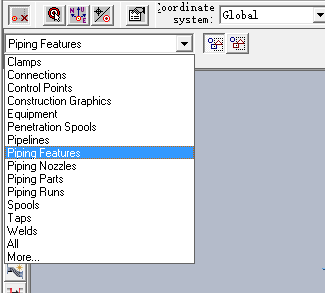
Equipment Task:
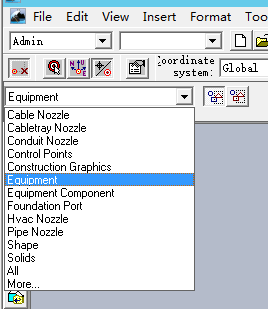
Electrical Task:
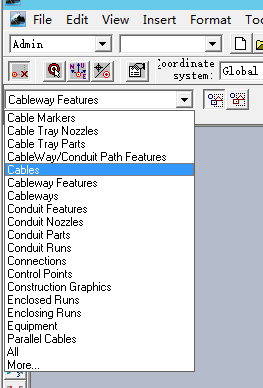
单选
-
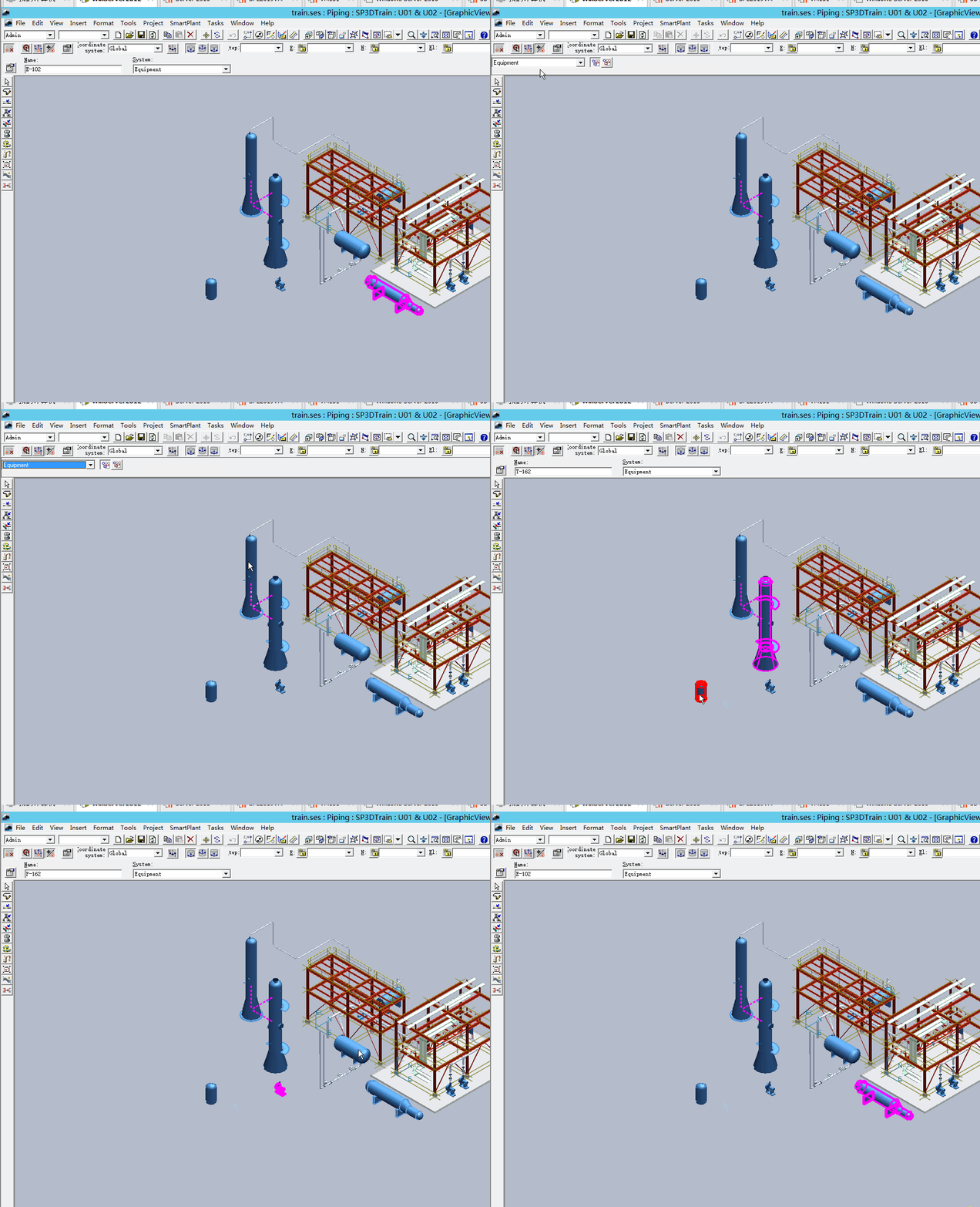
locate filter中设定具体对象类型
-
在模型空间鼠标点击
-
在workspace explorer鼠标点击
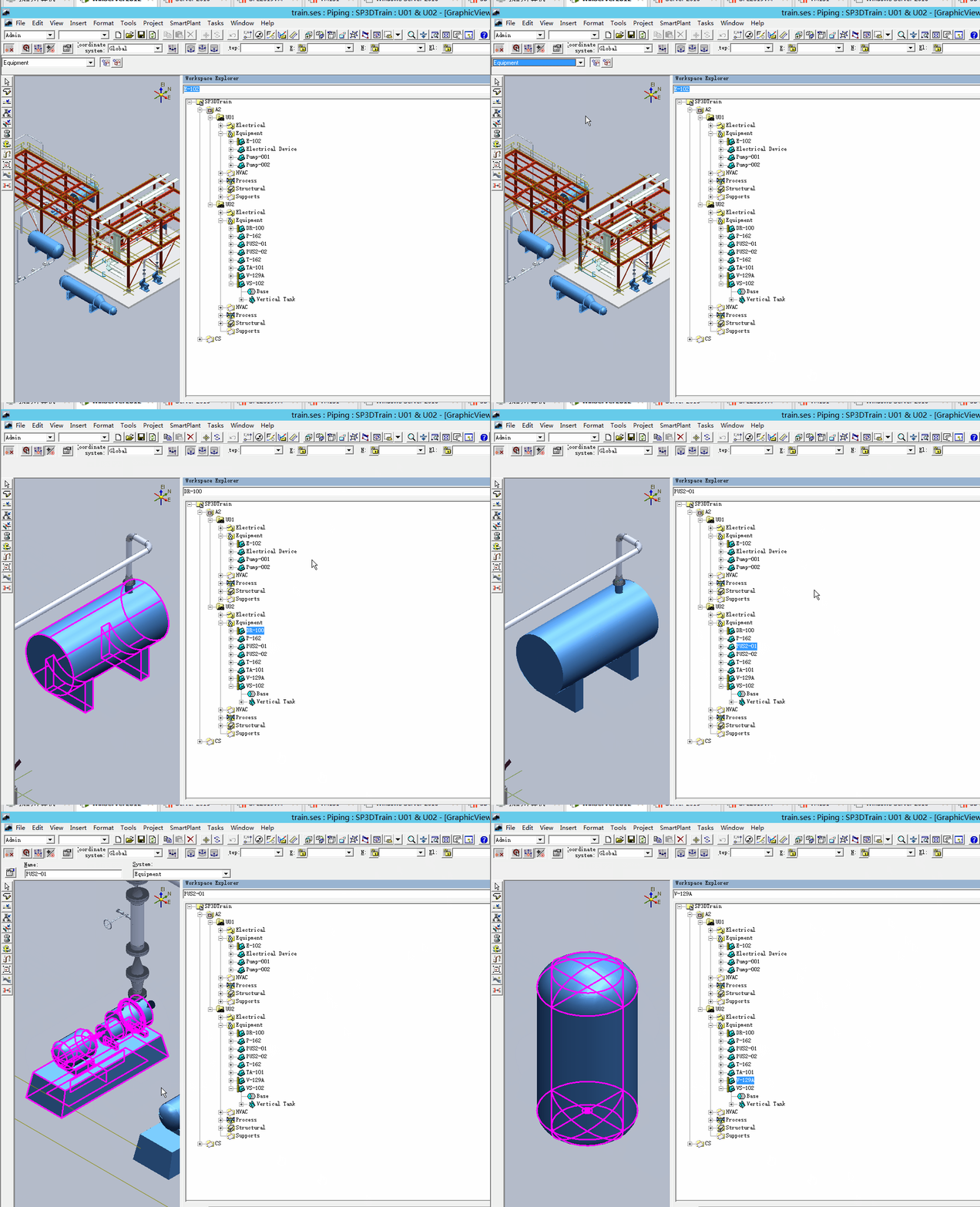
-
locate filter中设定“ALL”对象类型
-
在模型空间鼠标点击选中对象
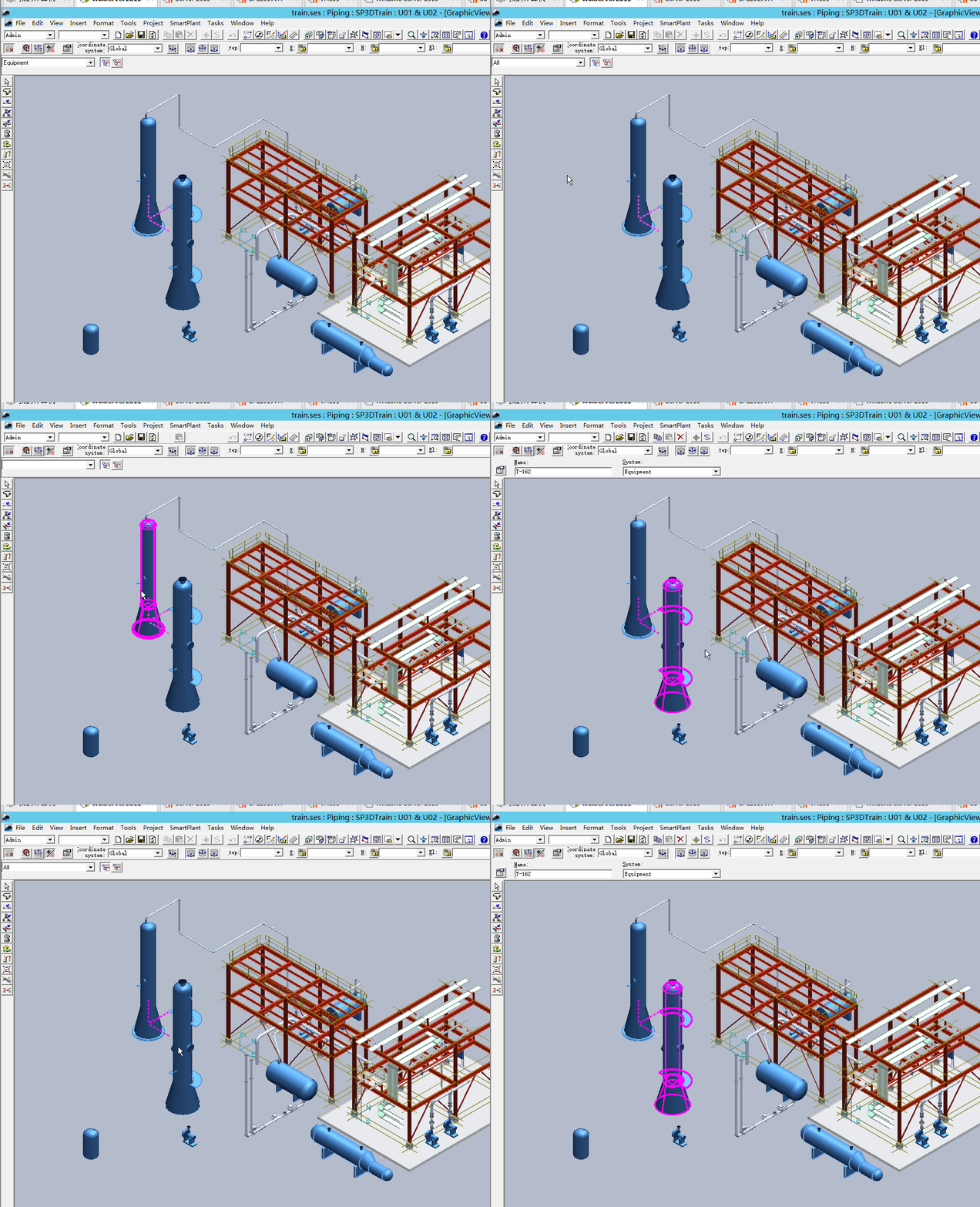
-
在Workspace explorer里面点击
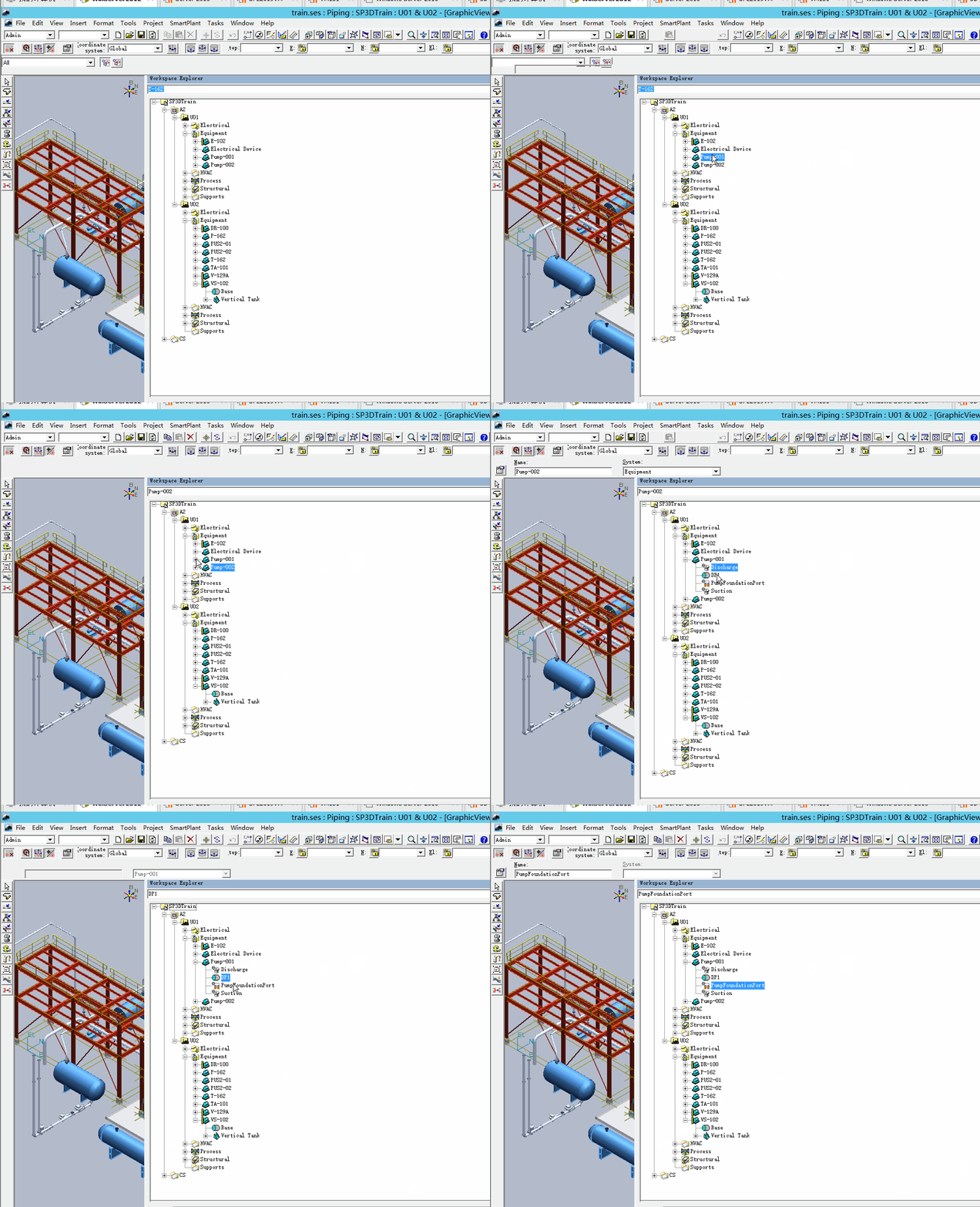
复选
-
locate filter中选择“种类”,模型空间按住ctrl进行选择
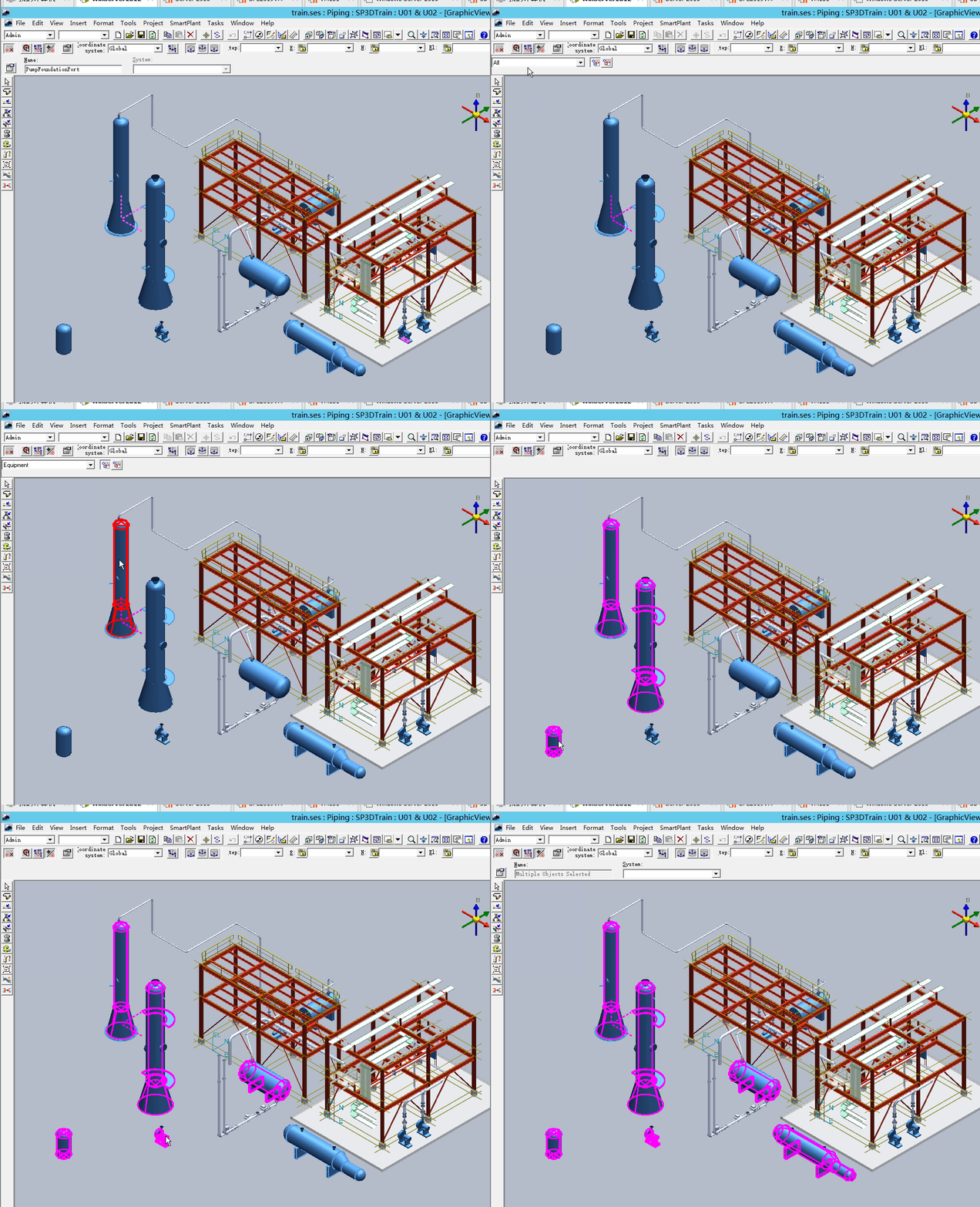
-
locate filter中选择“种类”,模型空间框选
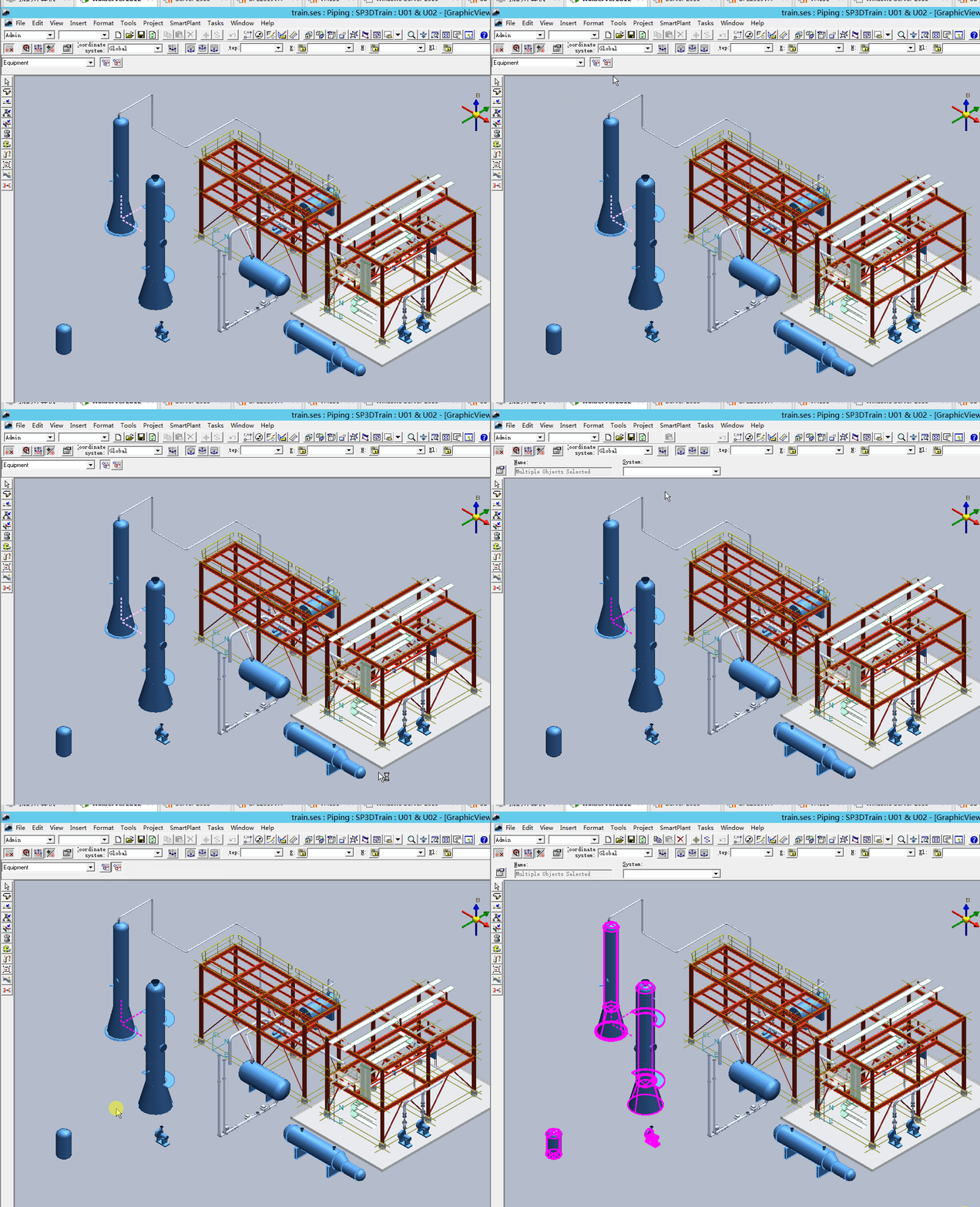
-
locate filter中选择“more”进行选择
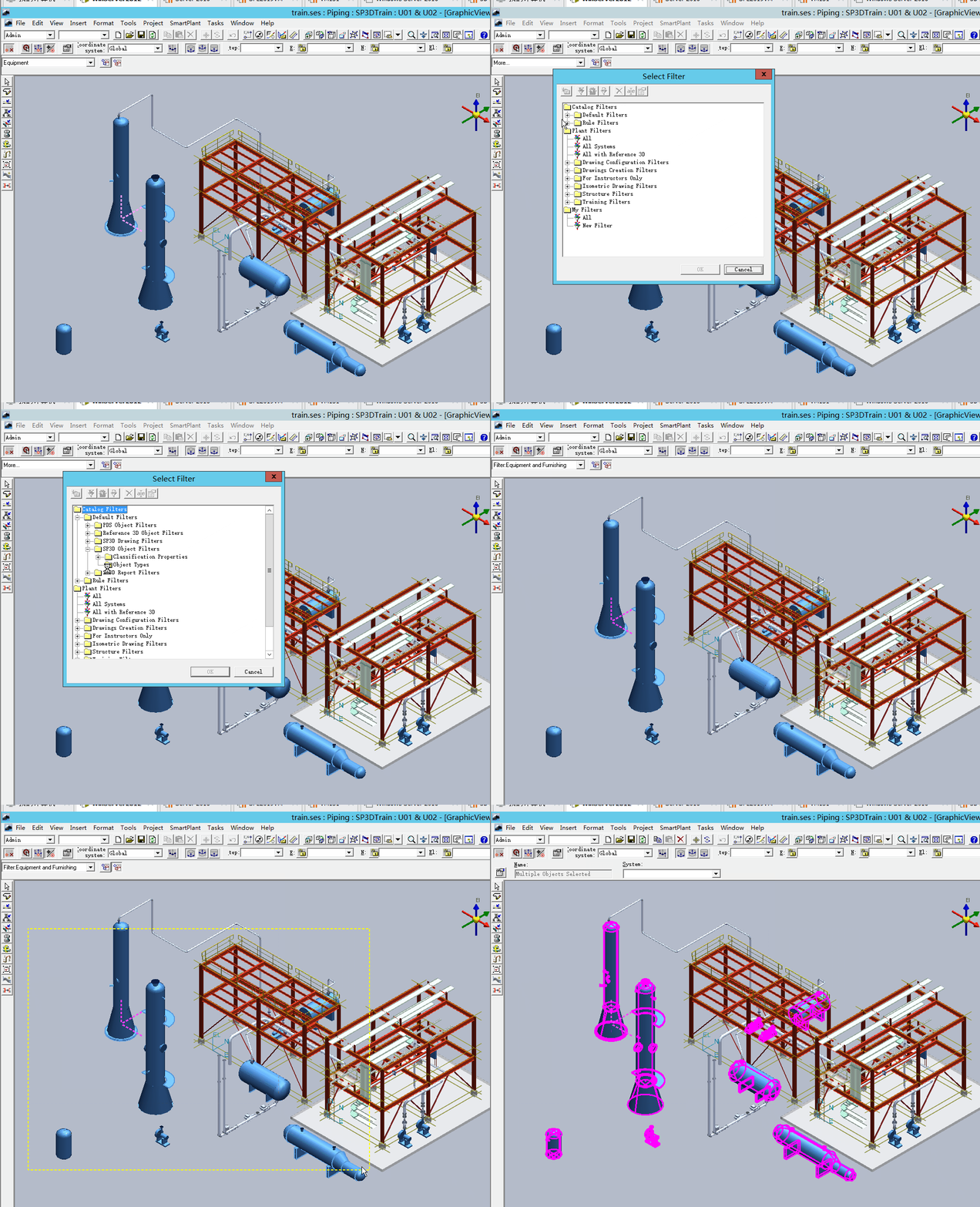
-
locate filter中选择“种类”,workspace explorer按住ctrl进行选择
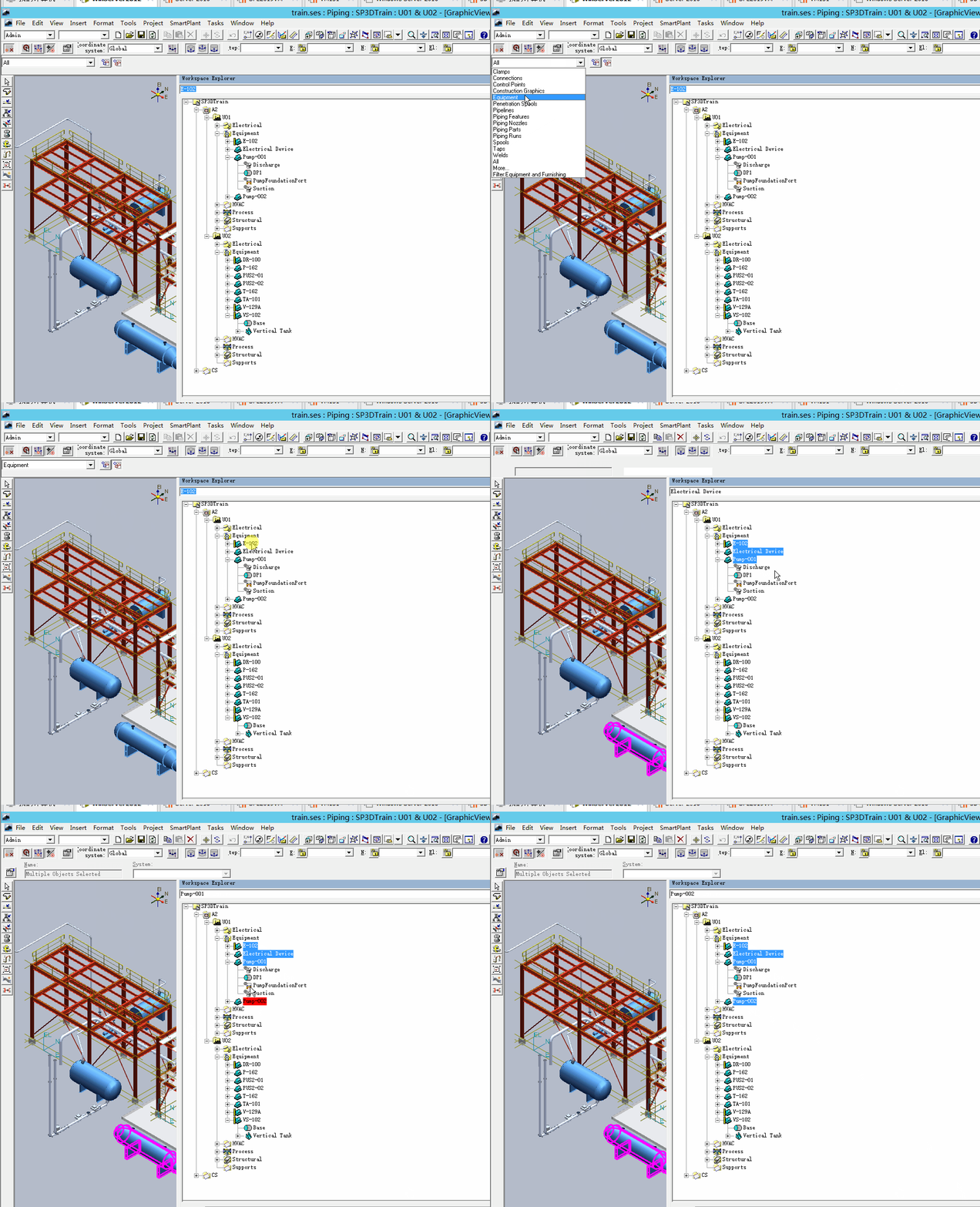
-
locate filter中选择“种类”,workspace explorer按住shift进行选择
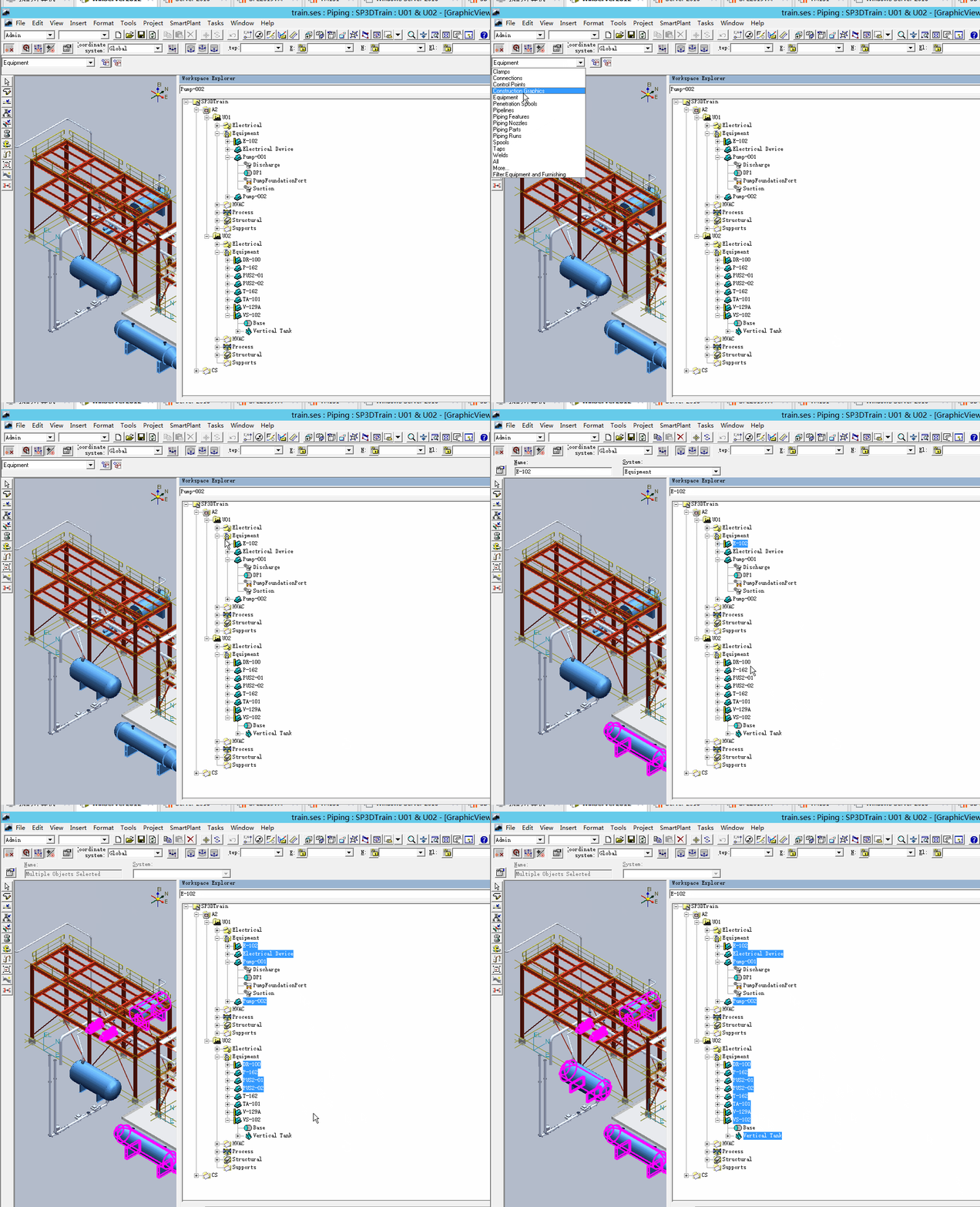
-
locate filter中选择“种类”,模型空间按住shift选择
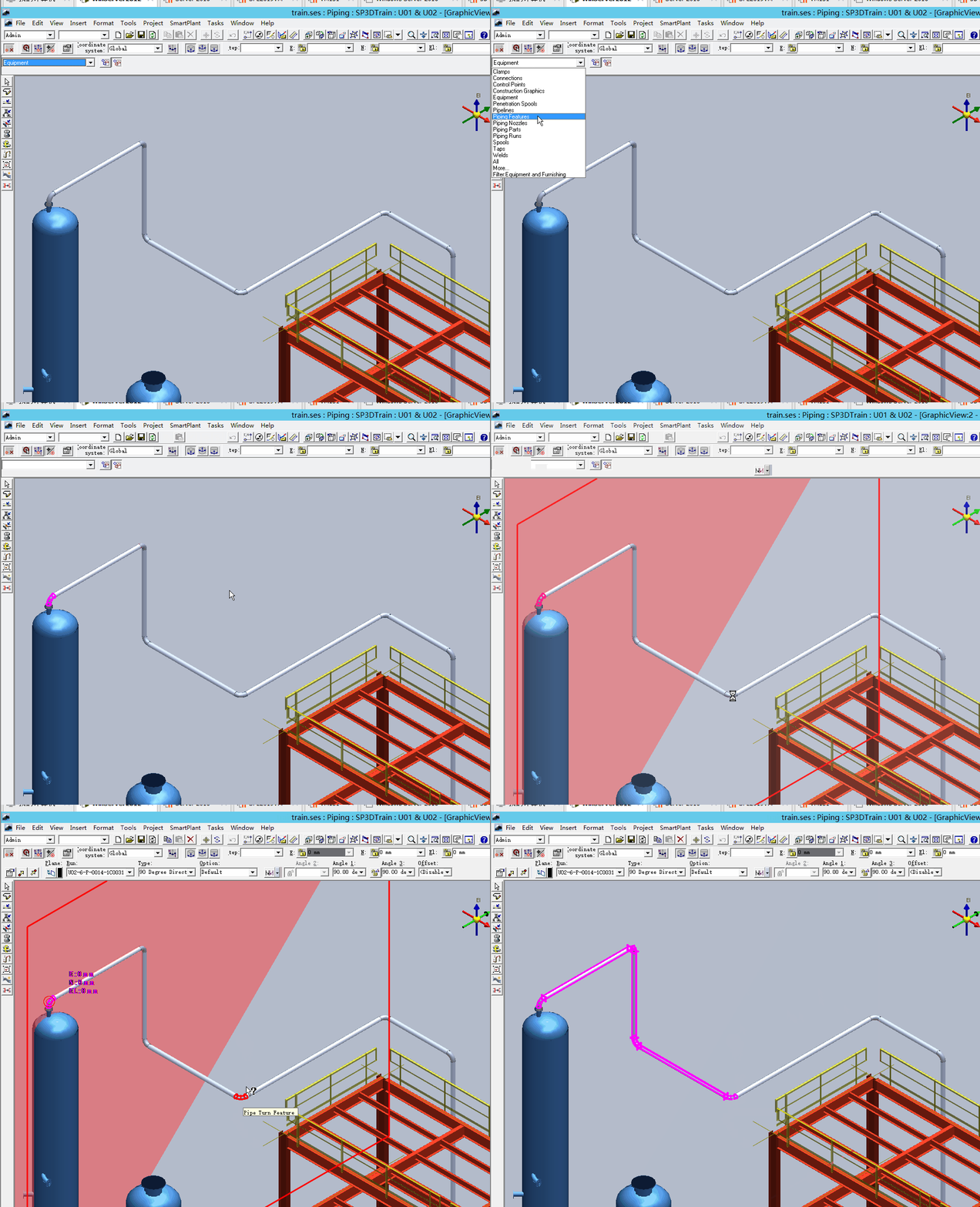
-
使用select by filter命令
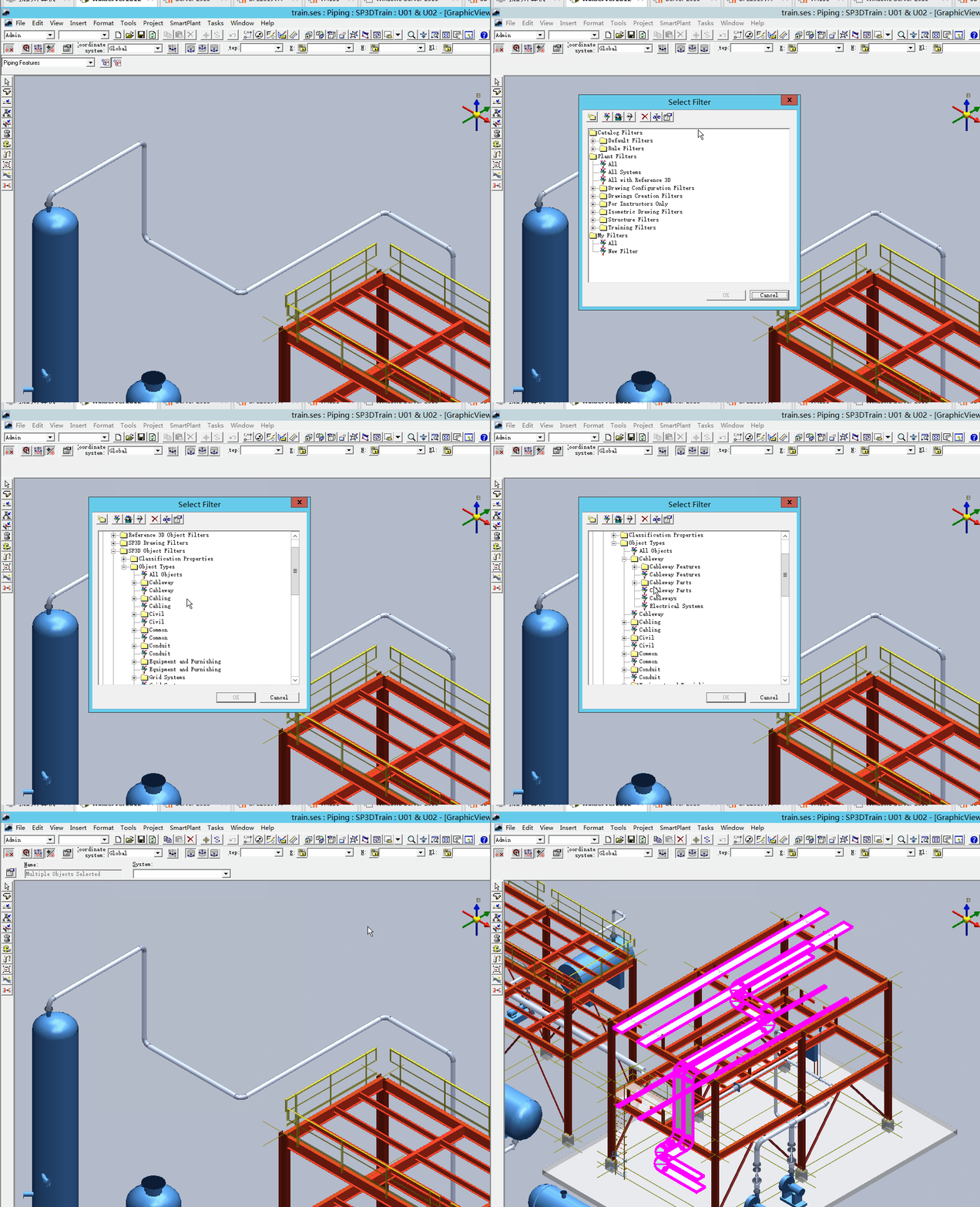
-
workspace explorer里面直接输入关键字
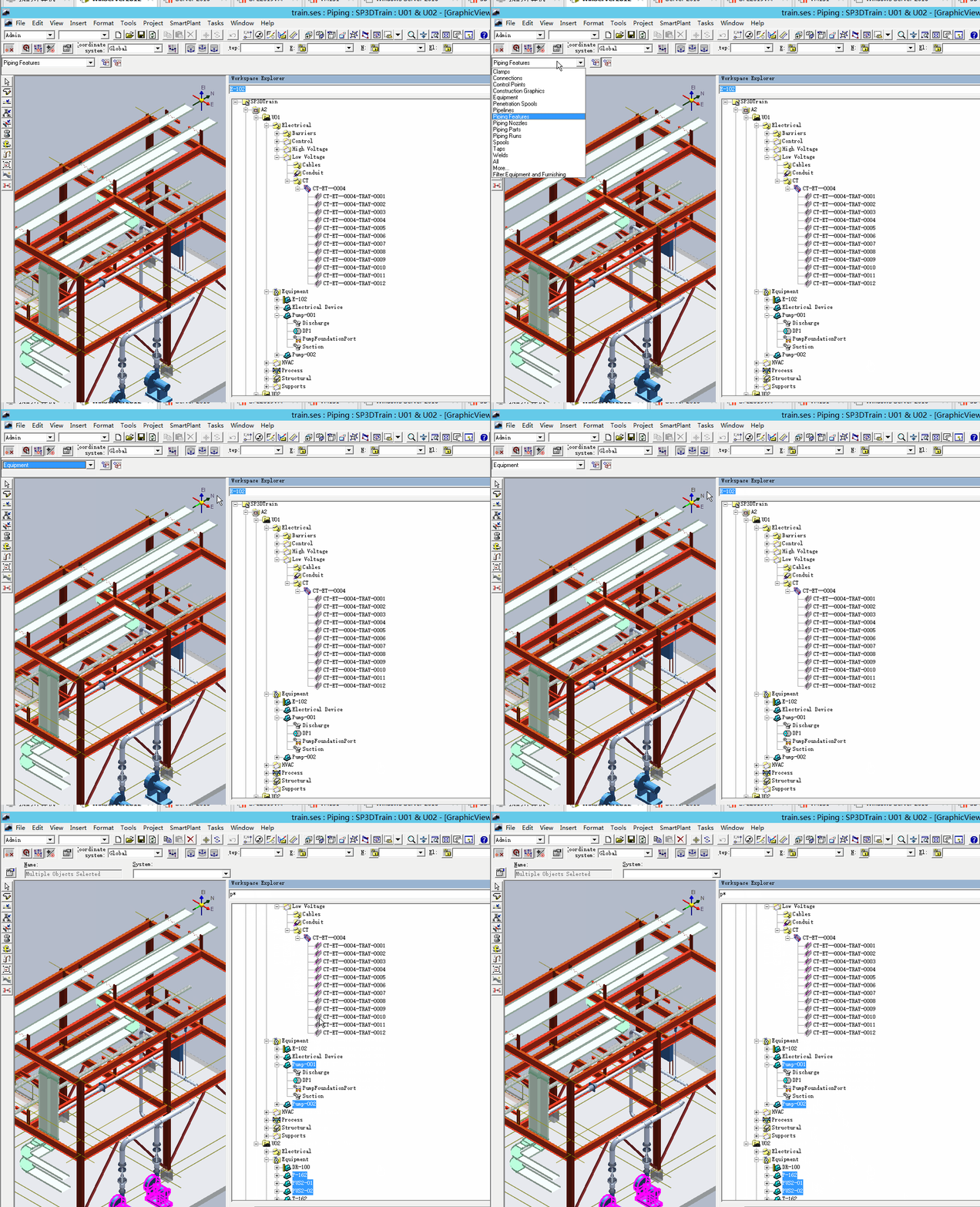
右键对象进行选择
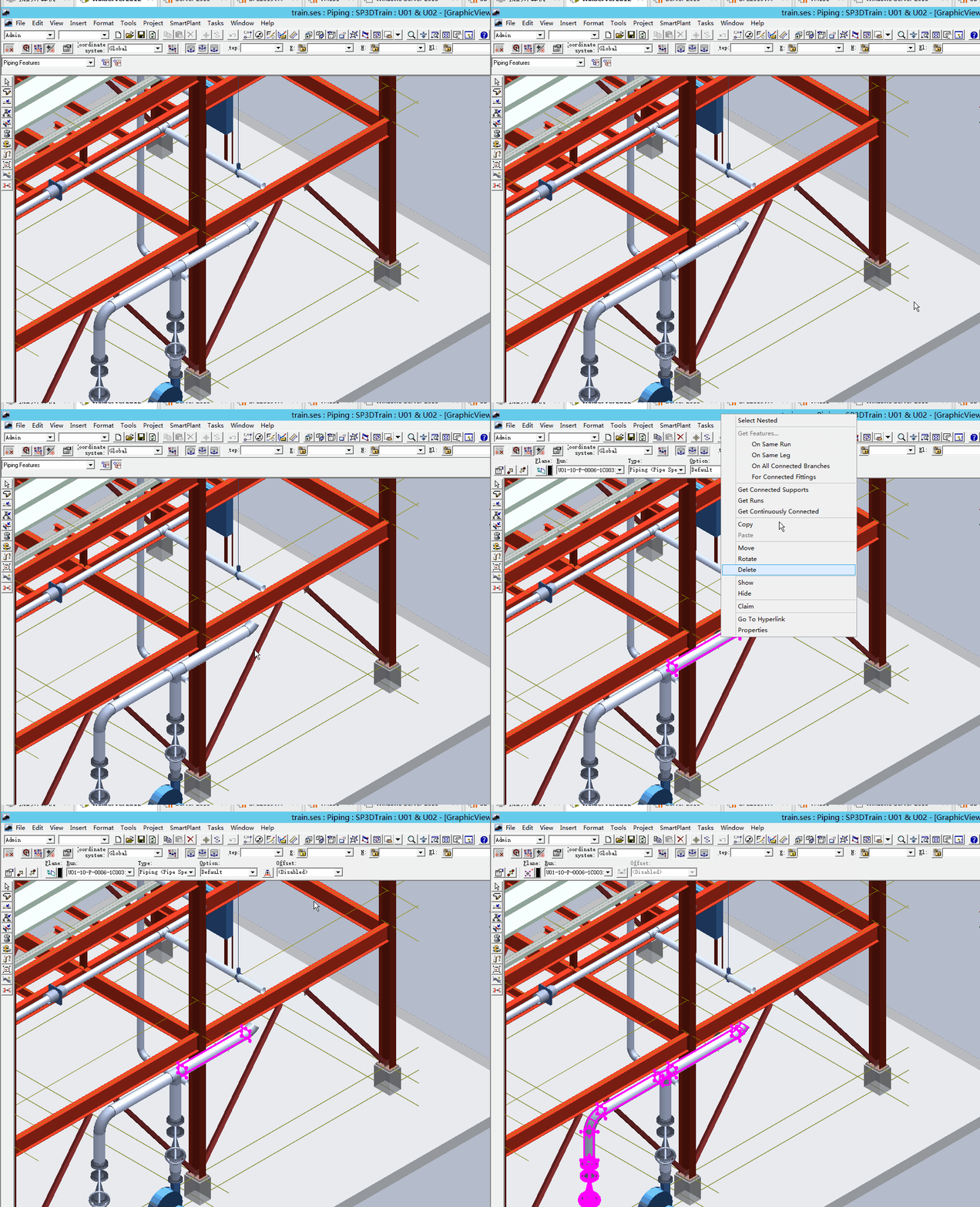
使用示例:
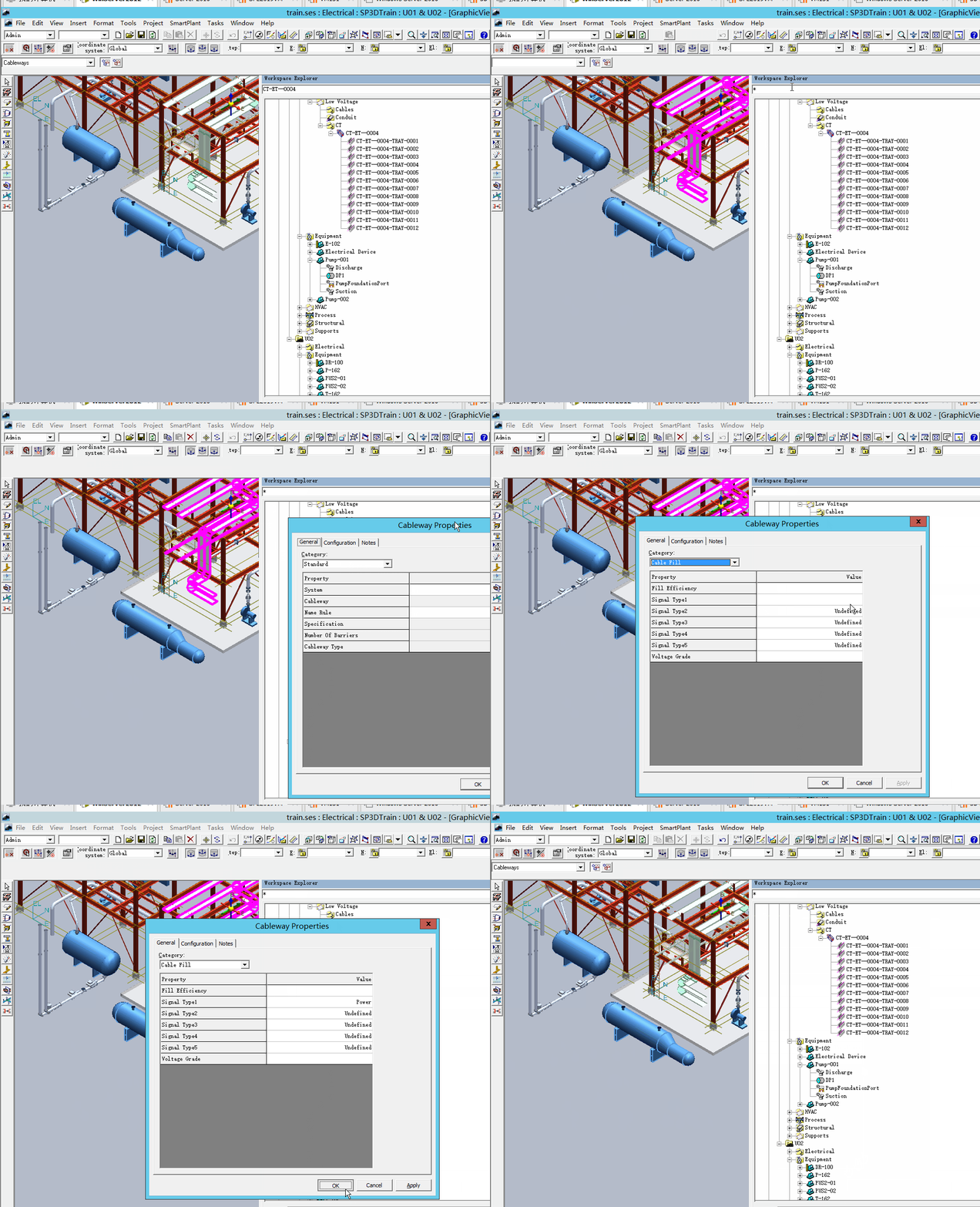
批量修改Cable way run属性:
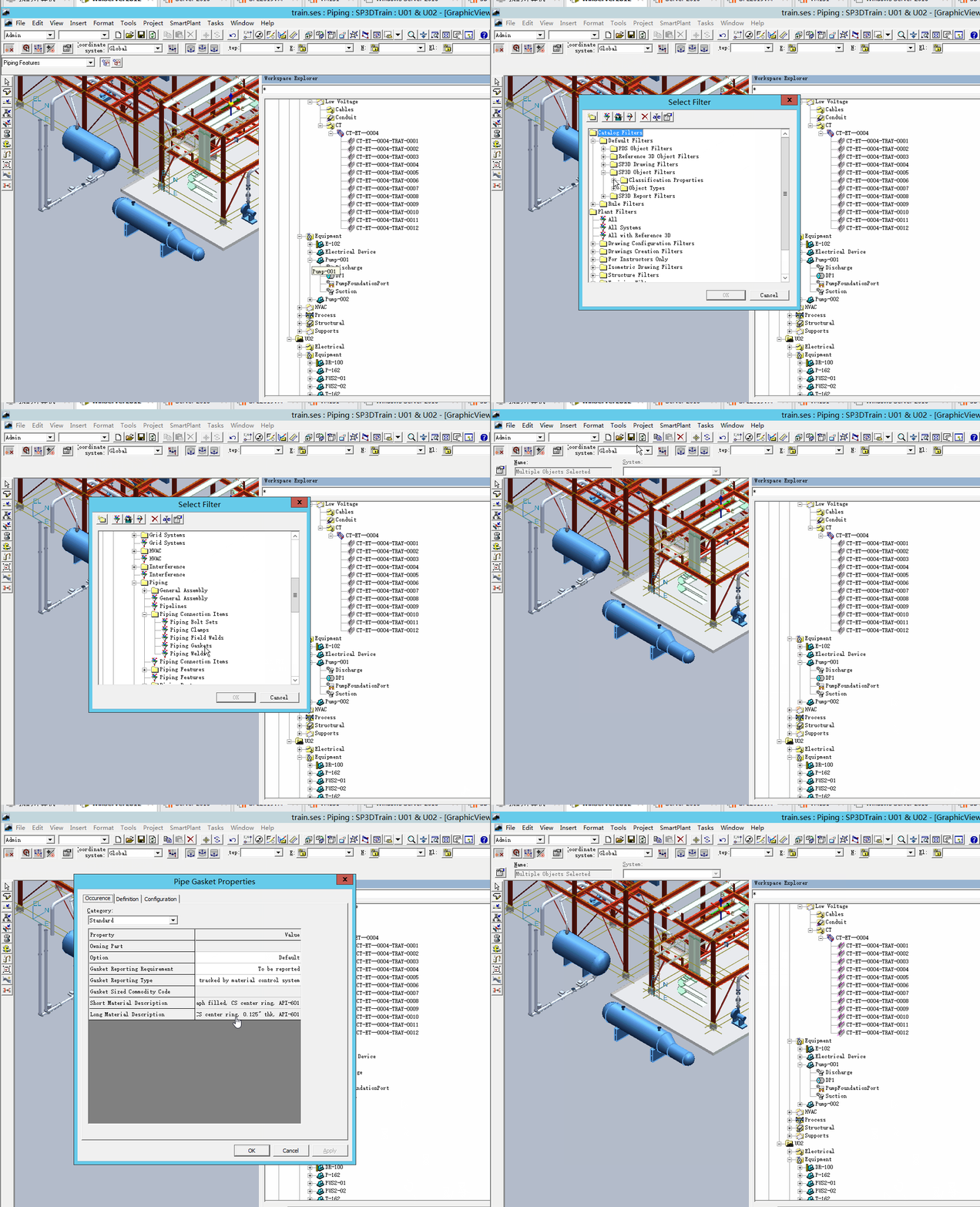
批量修改紧固件report属性:
相关阅读:
Smart3D Automation Toolkit-filter by spec

您需要登录 或注册 后才可以发表评论。