
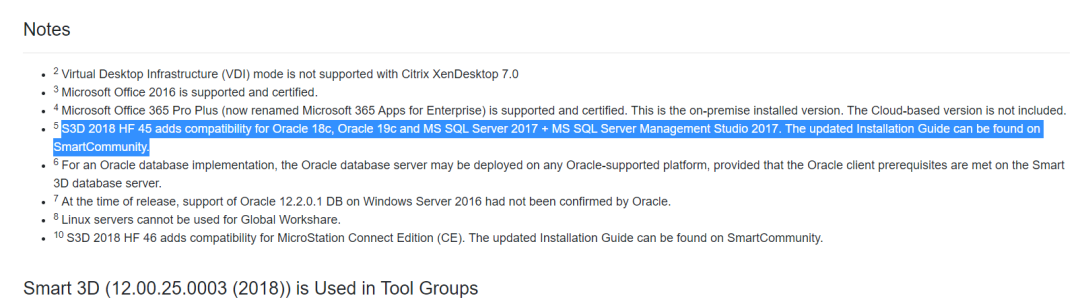
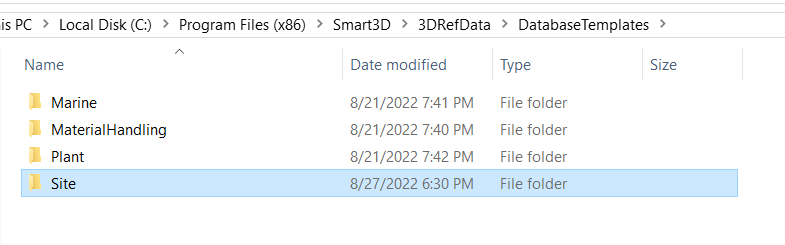
安装HF45以上
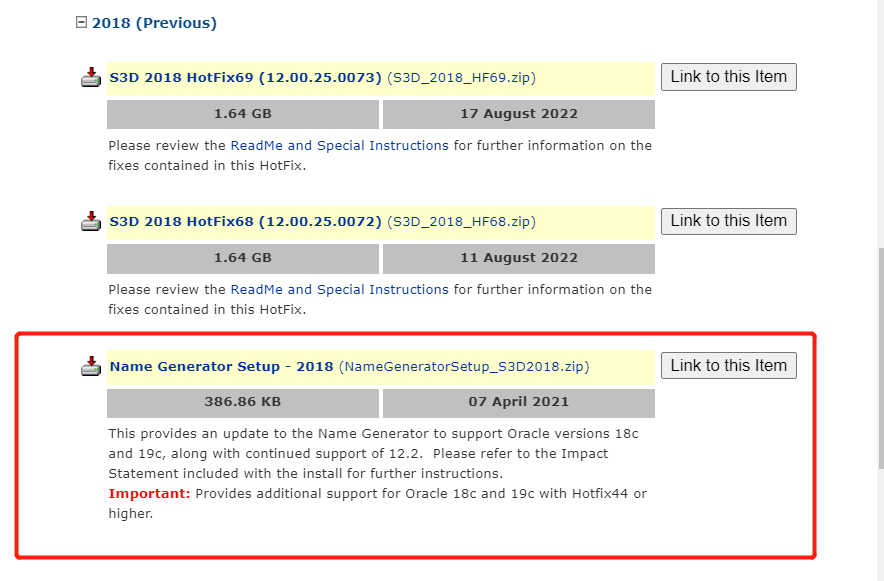
NG补丁
Oracle 19C补丁安装
因Oracle的问题,在部署时有必要进行Oracle补丁的安装。
遇到的问题
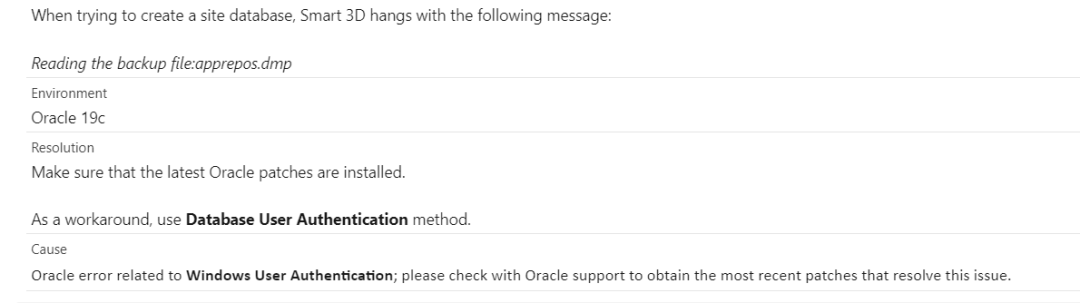
1. 创建site时,软件界面挂起无反应
原因主要是因为oracle的bug。解决办法,可以使用数据库用户验证或者安装最新的Oracle补丁。
此外,注意安装oracle的补丁有以下要求。
Apply Oracle 19c Patch 28707931 or higher for the database server and the client machines according to the OPath instruction from Oracle.
Note that in some cases, Oracle may not release the both of 32-bit and 64-bit patches in a patch cycle. Before applying the patch from Oracle, make sure that it includes the both of 32-bit and 64-bit patches. If the latest patch does not contain both 32-bit and 64-bit patches, install the latest patch that has both, as long as it is Patch 28707931 or later.
原因
Oracle Bug 28707931 – RUNNING IMPDP WITH OS AUTHENTICATION PROMPTS FOR A PASSWORD.
The Oracle bug document number is Doc ID 2582307.1.
2. 创建site时提示dmp文件无效
ORA-48128: opening of a symbolic link is disallowed
查看log,得到如上提示。解决办法,使用本地路径,或者修正Oracle参数。
3. 无法备份
ORA-48128: opening of a symbolic link is disallowed
修正Oracle参数,如下:
1. Connect to the Oracle instance as sysdba using the sys account.
2. At the SQL prompt, type:
SQL> ALTER SYSTEM SET “_disable_directory_link_check” = TRUE SCOPE=SPFILE;
SQL> ALTER SYSTEM SET “_kolfuseslf” = TRUE SCOPE=SPFILE;
SQL> SHUTDOWN IMMEDIATE
SQL> STARTUP
4. 创建项目时提示命名服务器故障
如上所述,需要安装Name generator的相关补丁才能支持oracle 19c。漏装的话,虽然site创建成功,但是创建catalog时就会提示name generator无效。

您需要登录 或注册 后才可以发表评论。