
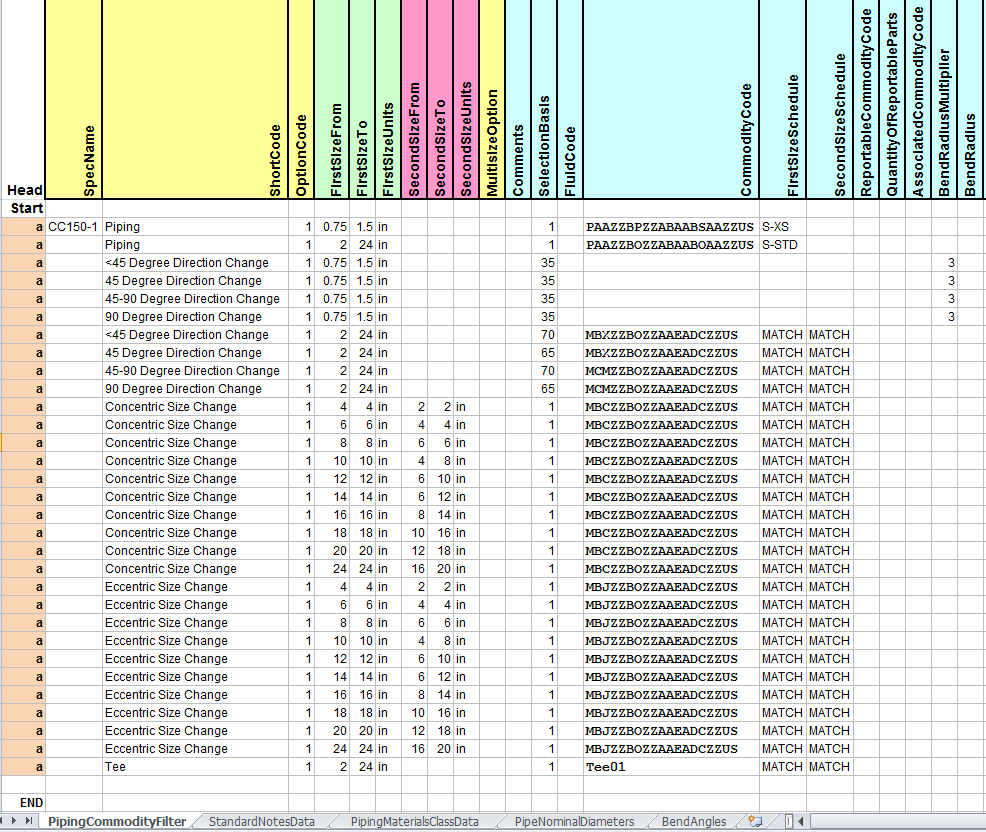
上图摘自于相关练习,从这里就可以发现弯管与弯头建库的不同。
-
Click Route Pipe .
-
Select Arc Routing
-
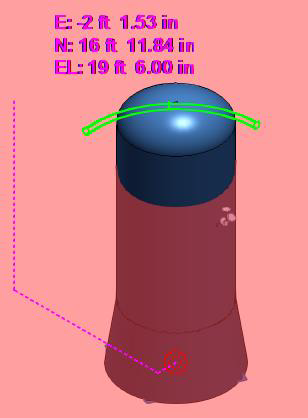
Input the coordinates shown below in the PinPoint ribbon bar to establish the starting location of the arced piping.

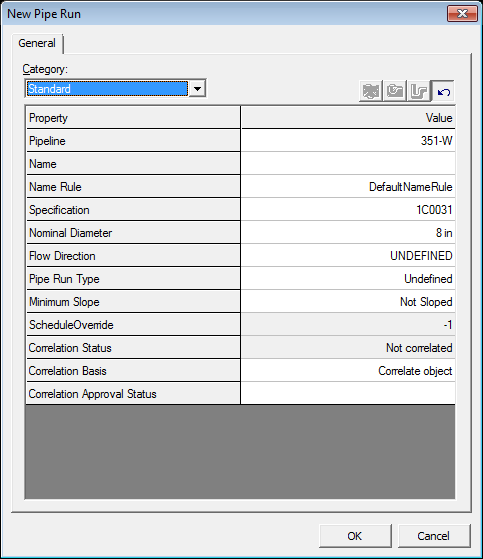
To select the center location of the arc, key in the following in the Pin Point ribbon bar and then left-click to anywhere in the graphical display to accept the center location.

6. Select Plan Plane to lock the path the arc piping will take.

7. Left click in the graphic view at any point to accept the arc path. The length of the route will be established next.
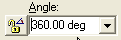
8. Change Angle to 360 deg
9. Click Finish.
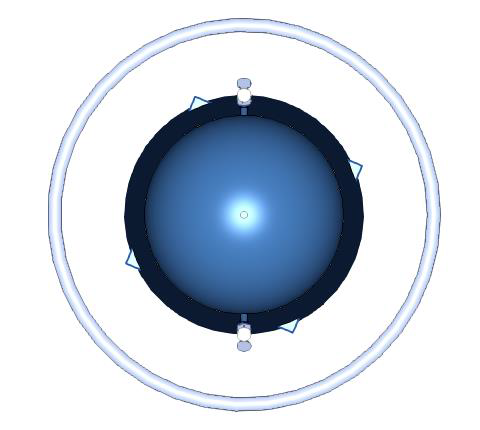
-
切换至环管操作模式;
-
输入圆弧相关的关键点,起点,圆心,弧上另一点。
-
输入圆弧角度。
-
完成。
注意在操作时,角度值只有在圆弧定了之后才可以输入,之前是灰色不可编辑状态。

您需要登录 或注册 后才可以发表评论。