
Issue
The Property Grid cannot be displayed. In working in the SmartPlant P&ID Modeler environment, the Property Grid will not display even though it is selected to be displayed (View > Display > Property Grid).
This requires editing of the Registry. If you are not familiar with the Registry or do not have permissions to edit the Registry contact the IT group and request that they do the following:
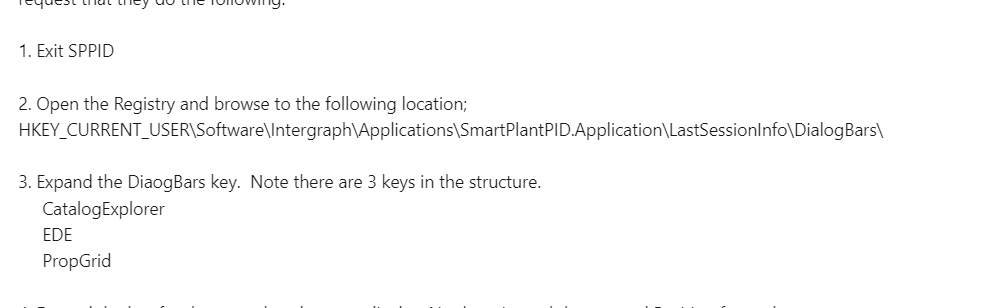
1. Exit SPPID
2. Open the Registry and browse to the following location;
HKEY_CURRENT_USERSoftwareIntergraphApplicationsSmartPlantPID.ApplicationLastSessionInfoDialogBars
3. Expand the DiaogBars key. Note there are 3 keys in the structure.
CatalogExplorer
EDE
PropGrid
4. Expand the key for the pane that does not display. No there is a sub key named Position for each.
5. Delete the Position Key for the problem pane.
6. Exit the Registry
7. Open a drawing in SPPID. The software will recreate the Position Key and the pane will display in the default location.
Notes: When a user opens a drawing in SPPID the software reads the Registry to find where the Catalog Explorer, EDE and Property Grid were located in the previous session. If the Position Key is not in the Registry the software creates the key and defines the coordinates as the delivered default coordinates. This is the same behavior seen when a new user opens a drawing in SPPID for the first time. When there are no coordinates for these panes the software

您需要登录 或注册 后才可以发表评论。