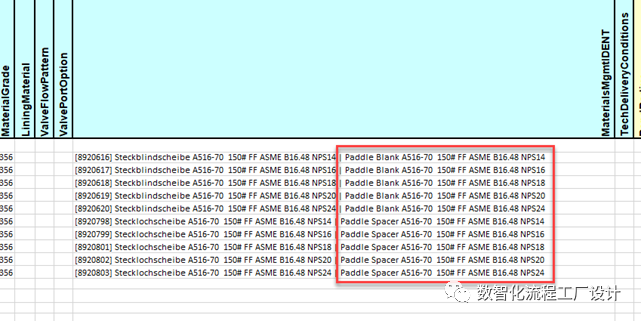
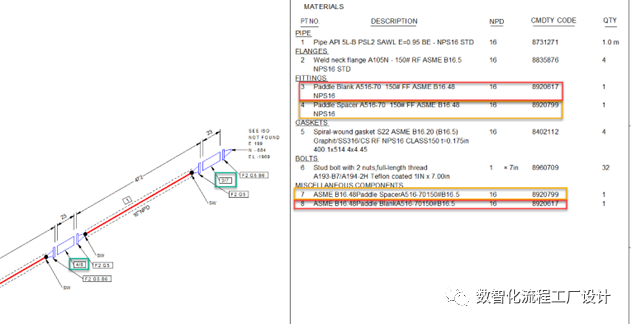
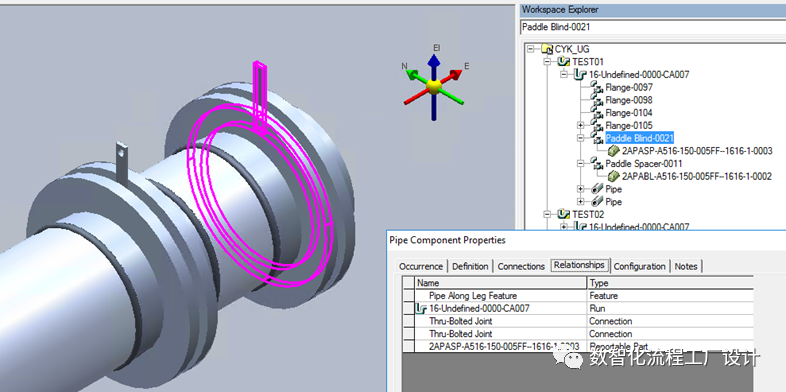
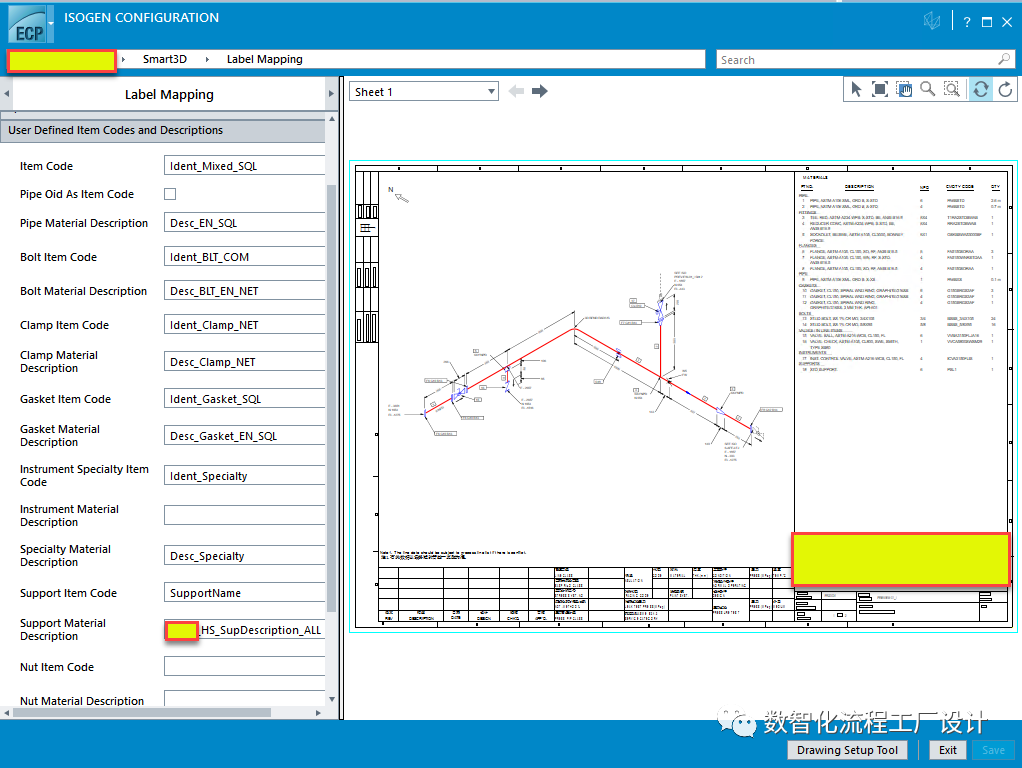
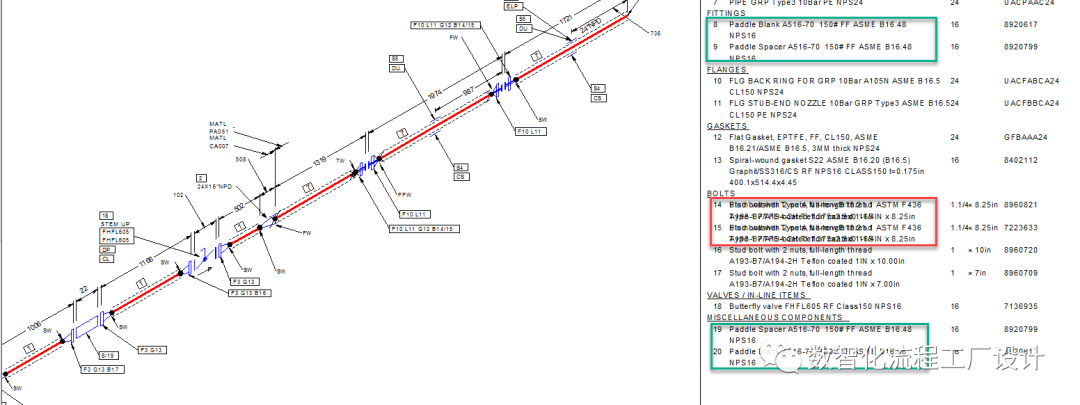
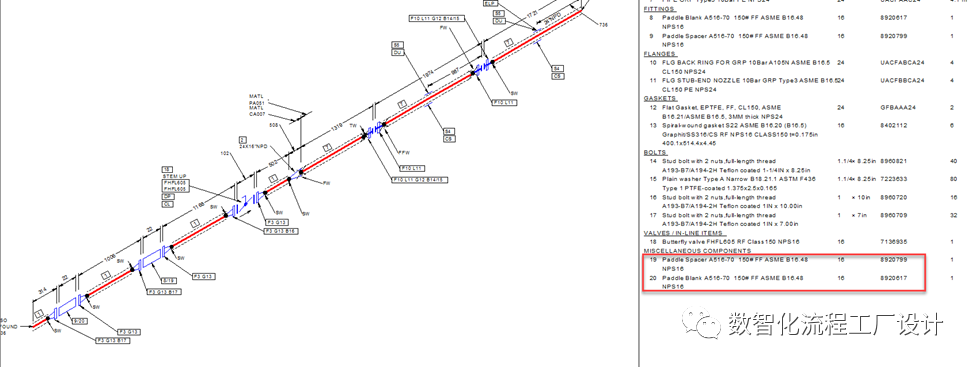
2.ISO图获取MTO描述Label mapping的位置是User Defined Item Codes and Descriptions.在User Defined Item Codes and Descriptions中没有Reportable Part这一类
3.获取Description的label在Report、SSMS中查询的结果正确
解决方案
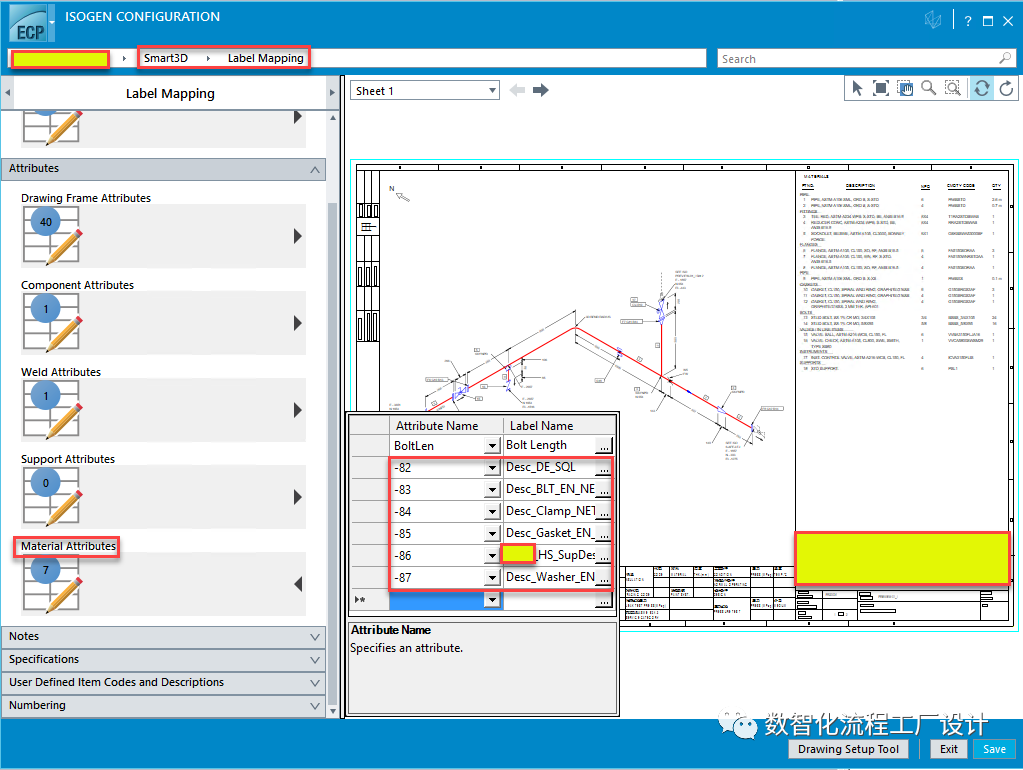
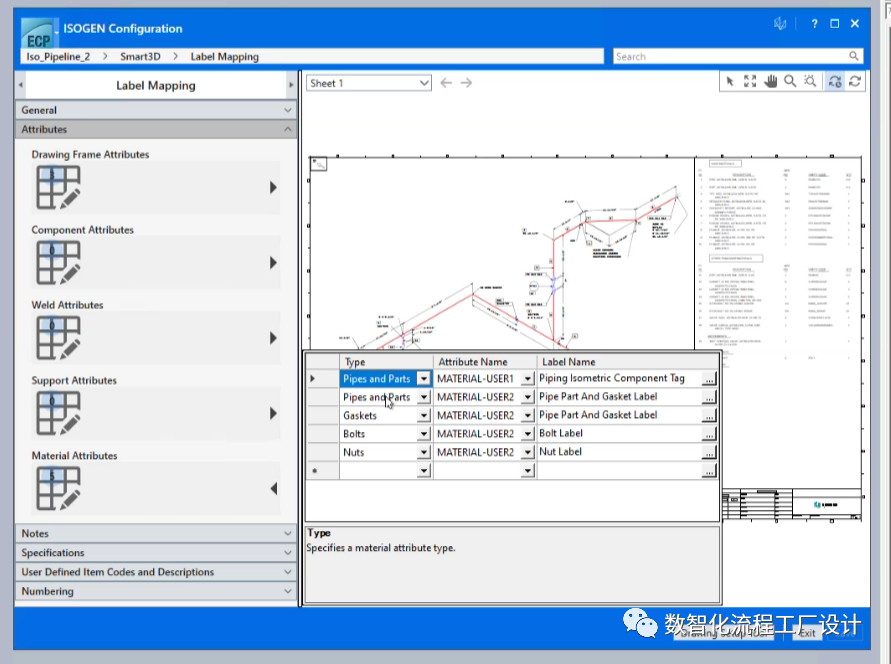
Plan A:将获取MTO描述Label mapping的位置由User Defined Item Codes and
Descriptions更改为Material
Attributes
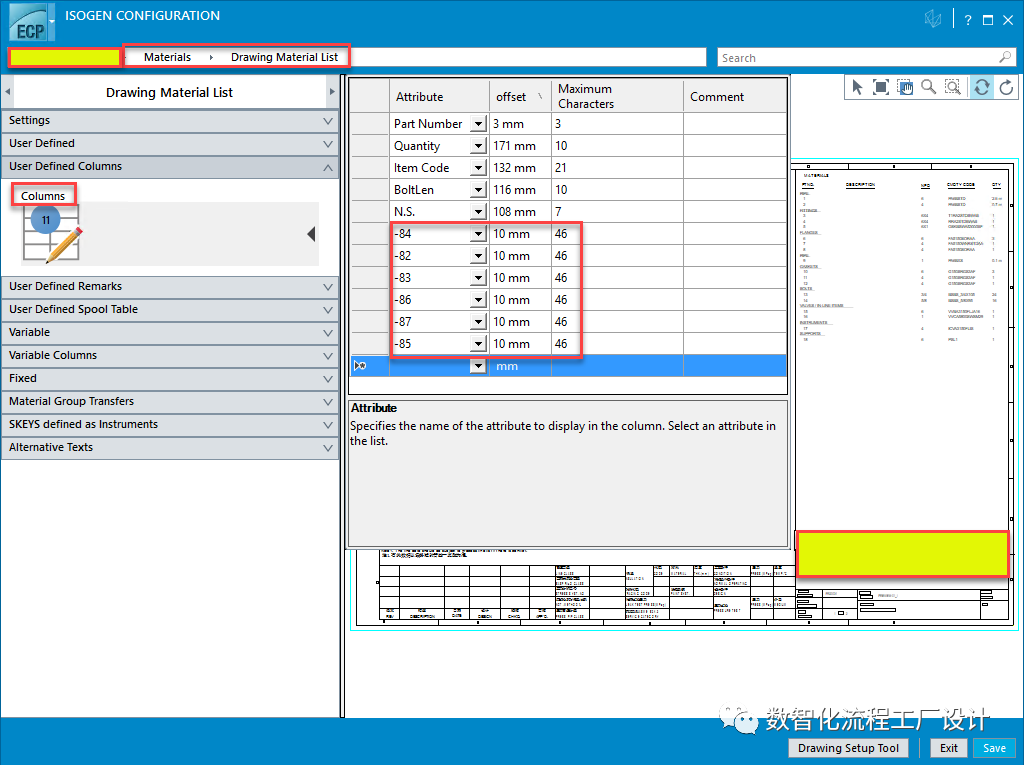
这种方式可以解决Reportable Part描述错误的问题,但是在使用了Washer的项目中,Washer和Bolt的描述会重叠Note:在未发布的Smart 3D V13.2的Material Attributes中新增了Type列,会解决Washer和Bolt的描述重叠的问题
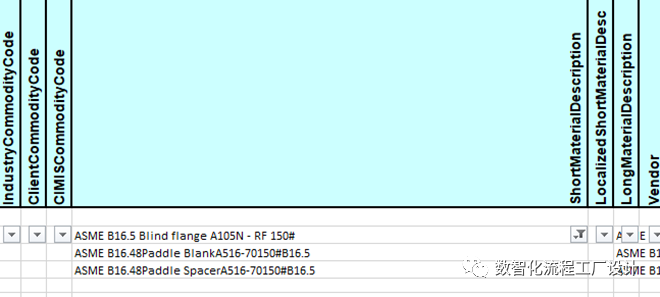
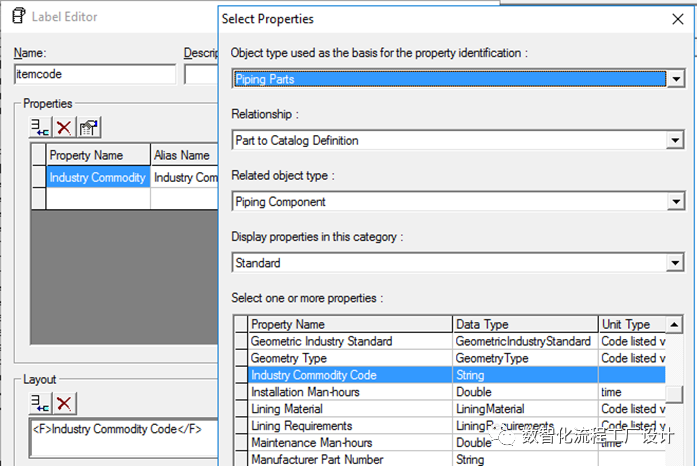
Plan B:使用Pre-Prpcessor程序在生成图纸时替换描述1.新建一个label,查询Industry
Commodity Code
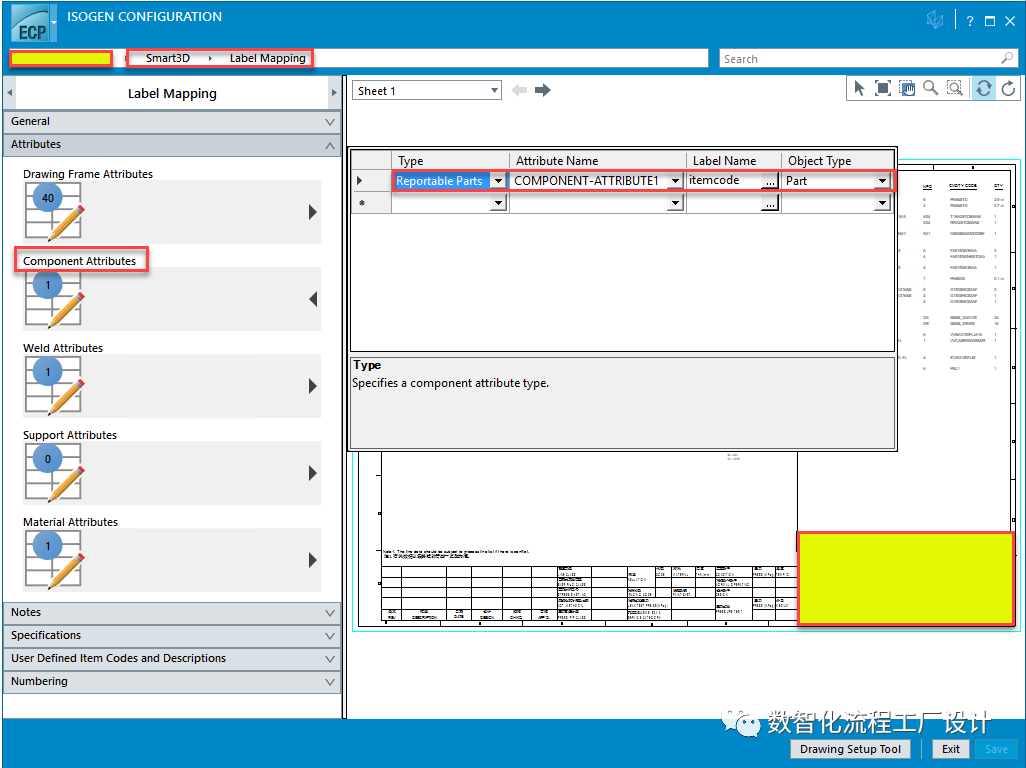
2.将新建的label mapping到Component attributes,Type选为Reportable Parts
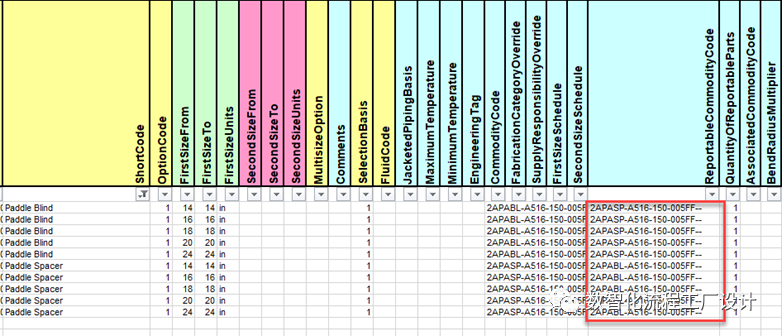
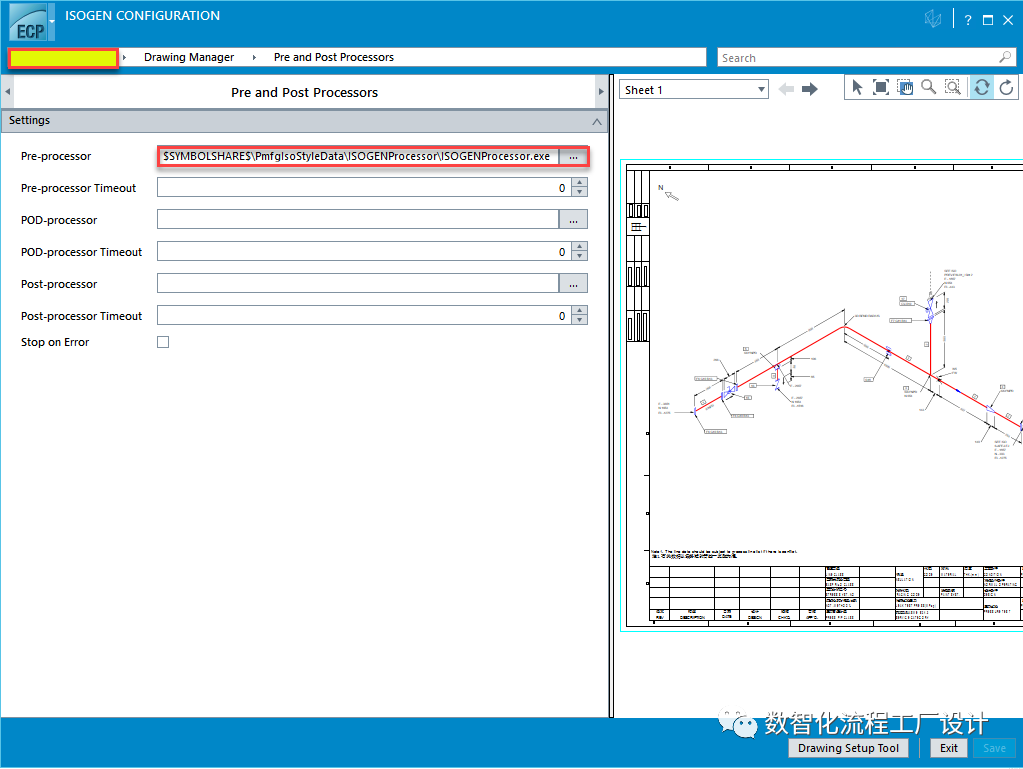
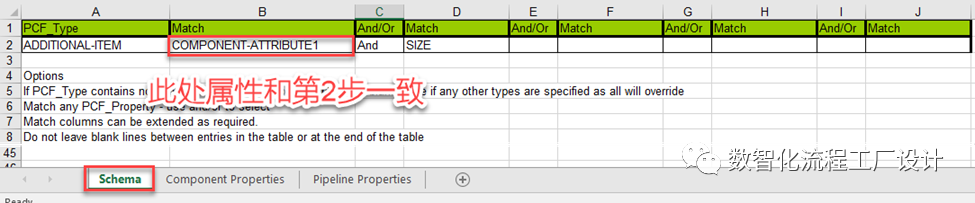
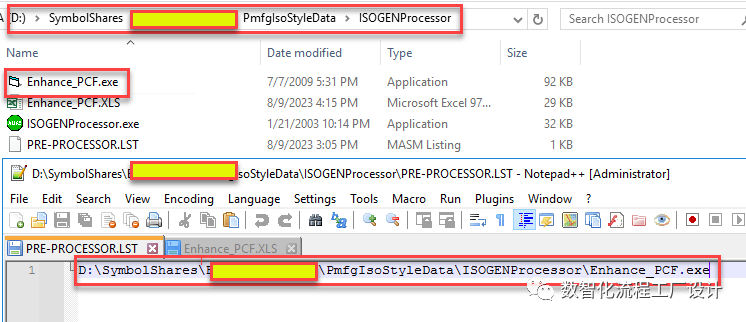
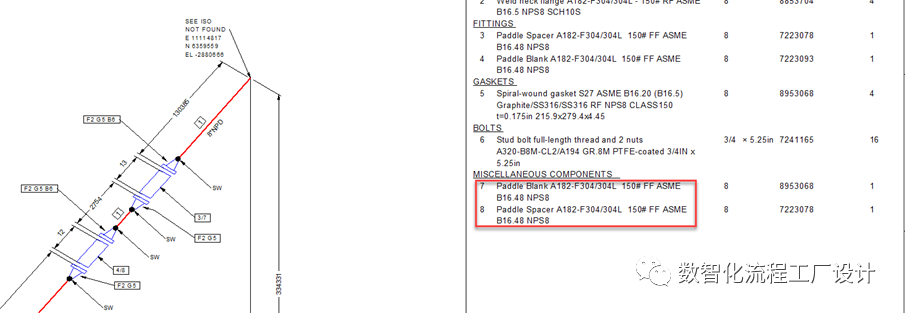
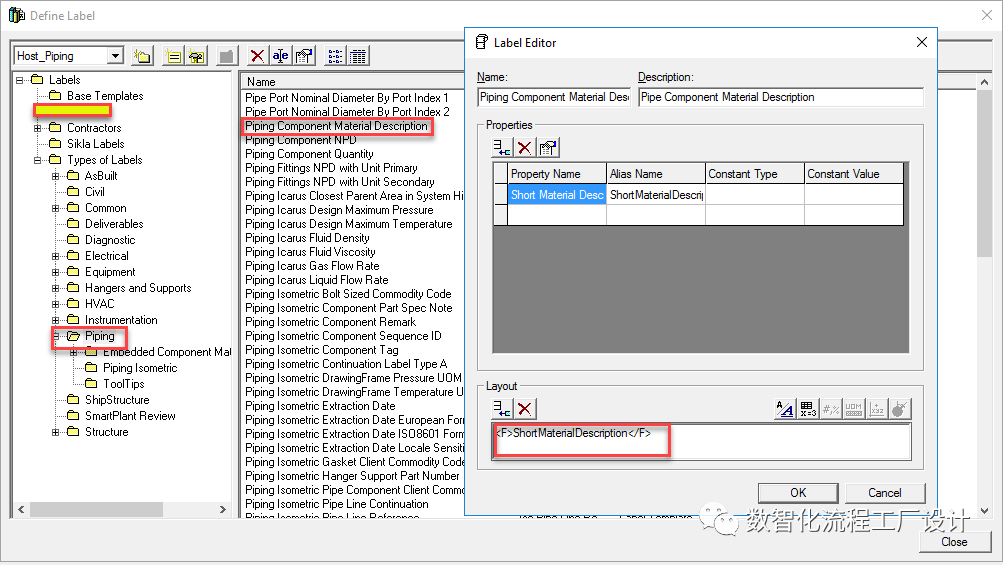
3.挂载Pre-Prpcessor程序4.在Enhance_PCF.XLS中填写需要替换的Reportable Parts的信息5.设置PRE-PROCESSOR.LST路径这种方式可以解决Reportable Part描述错误的问题,但是当Catalog中Reportable Part信息修改后需要手动修改Enhance_PCF.XLS中的信息Plan C:修改OOTB的label:Piping Component Material DescriptionReportable Part在ISO中归类为Miscellaneous Component,而User Defined Item Codes and Descriptions中并没有Miscellaneous Component这一类,对于没有定义的类,ISOGEN会使用Piping Component Material Description这个OOTB的label来查询描述,这个label查询的就是PipingCommodityMatlControlData的短描述,和问题一致复制User Defined Item Codes and Descriptions中查询普通管件描述的label的:Desc_EN_SQL,并改名为Piping
Component Material Description,将OOTB的label替换掉,ISO中Reportable
Par的Description即可变得正常。


您需要登录 或注册 后才可以发表评论。